
A company rarely decides to buy an ERP system because it read an article about ERP systems. It decides because stock levels in the online store are wrong again, because the accountant wants a report nobody can produce, and because three people are entering the same data into three different programs. The problem is not the software. The problem is that data lives in five places and none of them is the source of truth.
This article explains what an ERP system does in practice, how to tell whether you have outgrown spreadsheets or are not ready yet, how it connects to an online store, and what really happens during implementation. No marketing promises, because anyone who has been through a failed project has heard them already.
What an ERP system is and what it is not
ERP stands for Enterprise Resource Planning. In plain terms: a system that manages company resources in one shared database. Instead of the warehouse having one program, sales another and accounting a third, everyone works on the same records. When a stock level changes, that change is visible everywhere in the same second.
That sounds obvious, but this is exactly where the difference lies between an ERP system and a pile of separate programs. If your warehouse software exports a CSV every evening and somebody uploads it into the accounting program the next morning, you do not have an ERP. You have two systems and a person in the middle.
The following are also not ERP: an accounting package alone, a CRM alone, warehouse software alone, point of sale software alone. Each covers one function. An ERP system unifies them and, more importantly, keeps the relationships between them. An order is linked to a customer, to stock, to a supplier, to a batch, to an invoice and to a payment. Those links are what make meaningful reporting possible.
The modules that actually get used
Vendors list twenty modules. In practice, small and mid sized companies use six:
- Sales and customers: quotes, orders, invoices, relationship history
- Inventory: receiving, issuing, stock counts, batches and expiry dates
- Suppliers and purchasing: requests, receiving documents, payables
- Finance: income, expenses, cash flow, link to accounting
- Production or assembly, if you have any
- Reporting: profitability by product, by customer, by channel
The rest get bought with good intentions and used for three months. That is not a criticism of the software, just an observation: a company that had no discipline in a process before ERP will not acquire it simply because there is now a field to fill in.
When a company is ready for an ERP system
The most common mistake is not choosing the wrong system, it is implementing at the wrong time. Too early means paying for complexity you do not need yet. Too late means migrating chaos that has already become part of how you work.
Signs you have outgrown spreadsheets
It is not about headcount, it is about how often people collide with data. If three or more of these sound familiar, it is probably time:
- You have sold something that was not in stock more than once in a month
- Nobody can quickly answer which product carries the highest margin
- You have more than one file called "stock_final" and nobody knows which one is current
- Month end closing takes more than a week because data is collected by hand
- New staff are trained mainly on where the files are kept
- Stock counts always produce a discrepancy nobody can explain
If only one of these applies, the problem is in that specific process, not in the absence of a system. Fixing the process is cheaper.
Signs you are not ready yet
The opposite happens too. If the company handles fewer than ten orders a day, has one warehouse, one person who knows every item and no production, a full ERP system will cost you more than it saves. In that case a well built online store connected to accounting through automation will serve you for several years.
ERP systems and online stores: the most common integration
For retail companies the most important integration is between the ERP system and the online store. It usually covers four data flows.
First, products. Items, prices and descriptions live in the ERP and are pushed to the store. No product exists in the store but not in the warehouse.
Second, stock levels. This is the flow that makes most companies start the project in the first place. With good synchronisation the store shows real availability with a delay measured in minutes rather than a working day. The result is fewer cancelled orders and fewer awkward calls with customers.
Third, orders. An order from the store enters the ERP directly as a document, reserves stock and moves into fulfilment. Retyping disappears, and with it the most common source of errors.
Fourth, statuses and documents. The invoice, the shipping label and the tracking number flow back to the store and to the customer. If you work with couriers, labels are generated by the system instead of being re entered in a carrier portal.
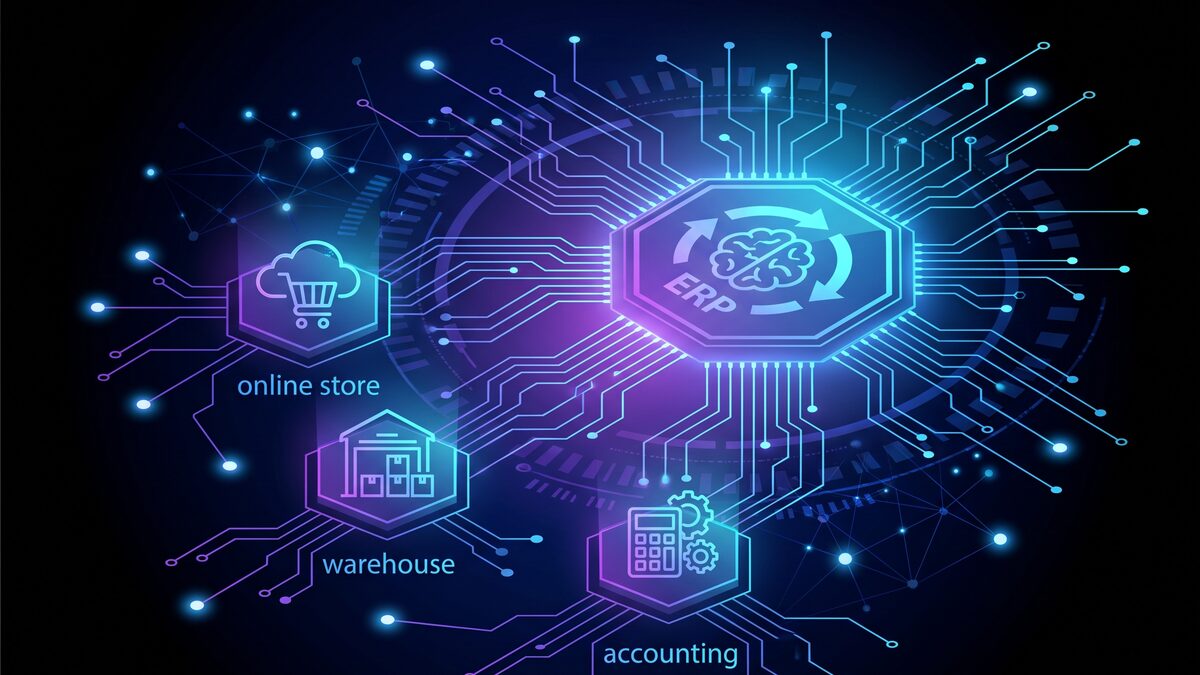
This integration is also where projects most often crack. Stores and ERP systems rarely speak the same language. They differ in how they describe a product variant, how they treat a discount, how they round VAT, what they do with a partially fulfilled order. So the technical conversation should not start with "do you have an API" but with "what happens when a customer orders three units and the warehouse has two".
Types of ERP system: cloud, on premise, modular stack
Choosing the model matters more than choosing the brand. Here are the three main options and who they suit.
| Criterion | Cloud ERP (SaaS) | On premise | Modular stack |
|---|---|---|---|
| Upfront cost | Low, monthly fee | High, licence and server | Medium, depends on scope |
| Time to launch | 1 to 3 months | 4 to 12 months | 2 to 6 months |
| Flexibility for specific processes | Limited | High | High |
| Support and updates | Included | Your responsibility or contract | Mixed |
| Vendor lock in | Significant | Low | Moderate |
| Best for | Retail, services, e commerce | Manufacturing with specifics | Clear but non standard processes |
A modular stack means a combination of specialised systems connected through integrations: warehouse software, accounting software, an online store and an automation layer between them. For a large share of trading companies this is the more sensible route compared with one large package expected to cover everything.
One detail worth checking with cloud solutions: where the data is stored and how you export it if you terminate the contract. If export means PDF reports only, you are effectively locked in.
What an ERP system costs
Public market figures are useful as a frame but do not replace a quote. Cloud solutions for small and mid sized business tend to run between 30 and 150 euro per user per month depending on modules. On premise licences start at a few thousand euro one off and add an annual maintenance fee, usually 15 to 22 percent of the licence.
The hidden cost sits elsewhere. In most projects implementation, data migration, integrations and training cost as much as the software itself or more. A company that budgets only the licence will almost certainly stall halfway through.
If you are planning an integration between an ERP system and a website, add server capacity and monitoring. Synchronisation runs continuously and puts real load on the environment, so hosting needs to be sized for it rather than being a shared plan meant for a brochure site.
At WEBPROGRESS we do not publish fixed price lists for this kind of work, because no two warehouses are alike. We review the processes and send an individual quote within 24 hours.
Implementation step by step
Projects that end well go through the same phases. Projects that fail have usually skipped the first one.
Phase 1: describe the processes as they are
Not as they should be. Sit down with the warehouse manager and write down what actually happens, including the notebook kept on the side. That notebook almost always contains a process nobody documented but without which the warehouse does not function.
Phase 2: choose and agree the scope
Define what is in phase one and what is explicitly out. The exclusion list matters more than the inclusion list, because it is what stops the project from sprawling.
Phase 3: prepare and clean the data
Item naming, duplicate customers, dead batches. Migrating dirty data is the most expensive way to carry your problems into a new system. Allow more time here than feels reasonable.
Phase 4: configuration, integrations and testing
This is where systems connect and test scenarios get written. Test the difficult case, not the ideal one: returned goods, partial delivery, an incorrect invoice, an order with a promo code and a discount at the same time.
Phase 5: parallel running and go live
For a month or two the old and new systems run side by side for critical processes. It is expensive and it annoys people, but it is far cheaper than a month without working invoicing.
Phase 6: training and stabilisation
Training is not a one off presentation. The first six weeks after go live matter most, because that is when the real questions surface. If nobody answers them quickly, people drift back to spreadsheets and the project quietly dies.
The most common implementation mistakes
Here is what repeats in projects that do not work out:
- The project has an owner on the vendor side but not on the company side
- Scope grows during delivery because every department adds "just one more field"
- The system is chosen first and processes are bent to fit it afterwards
- No time is planned for cleaning the data
- Training happens a week before go live and is then forgotten
- Nobody agreed what happens after launch: who supports it, how fast, what the retainer covers
That last point causes most of the disappointment. An implementation does not end at go live, it starts there.
The alternative: automation instead of a full ERP system
Not every company needs an ERP system. Many of the problems that push people toward such a project can be solved with targeted automation between the systems you already run. Store orders land in accounting automatically. Stock syncs every fifteen minutes. Shipping labels generate themselves. The report you need appears in a shared sheet every morning.
This approach has a clear advantage and a clear limit. The advantage is that it launches in weeks rather than months and does not require the company to change how it works. The limit is that with many systems and complex dependencies the number of connections becomes hard to manage. At that point a single database starts to make sense.
Practical advice: start with automation, measure how much time it saves, and move to ERP only when you hit the ceiling. That way you pay for complexity once you have proven you need it.
Frequently asked questions
How long does an ERP implementation take
For a mid sized trading company on a cloud solution, three to six months from kickoff to stable operation is realistic. On premise installations and manufacturing companies reach a year. Timelines under two months usually mean phases were skipped, and that gets paid for later.
Can an ERP system connect to WooCommerce or Shopify
Yes, and it is one of the most common integrations. Most serious systems expose a REST API, and so do the stores. The work is not in the connection itself but in reconciling the logic: variants, price groups, discounts, VAT, partial deliveries. That part takes longer than the technical build.
What happens to the old data
You migrate item catalogues, contacts, current stock and usually one or two years of sales history. Older history is often kept in an archive available for lookups instead of being dragged into the new system. The decision depends on how far back you need analysis.
Do we need an ERP system if we only run an online store
If you sell your own products from one warehouse and handle fewer than a few hundred orders a month, most likely not. It is more sensible to invest in a well built online store and automation toward accounting. An ERP system becomes justified once you run more than one warehouse or start selling across several channels at once.
Who on the team should lead the project
Someone inside the company who knows the processes, has the authority to decide and has real time available. If that role is handed to your busiest employee on top of everything else, the project will drag. An external partner can lead the technical side, but process decisions have to stay in house.
Conclusion
An ERP system is not a software purchase, it is a decision about how the company will work for years. That is why the most important work happens before the contract: an honest description of the processes, a clear scope, clean data and a person who owns the project.
If you are not sure whether you need a full system or targeted automation, start with a process review. See what we do in automation and in websites and stores, and if you want a specific conversation about your case, get in touch. We review the setup and send an individual quote within 24 hours.